Owner reports from the dailies
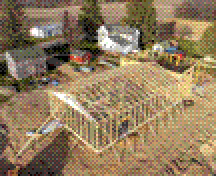
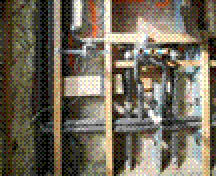
Barry turns a week of Raken reports into two pages with progress, hours and the photos that show it, ready for you to check.
Barry reads your Raken daily reports to write owner updates, draft delay notices and spot missing dailies. It can read and take action in your connected software.

 Raken

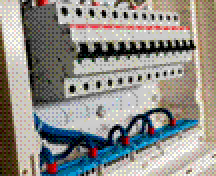 Panel not moved
 Wall 3 held

Monday’s report names the same panel. I listed both days so the notice covers the first one.
Barry turns the week’s dailies into an owner report, drafts delay notices inside the contract’s notice period, and lists who hasn’t reported today.
Barry turns a week of Raken reports into two pages with progress, hours and the photos that show it, ready for you to check.
When a report logs a delay caused by others, Barry finds the notice clause in the contract you share and drafts the letter to it.
Barry lists the projects and subs with no report in and drafts a reminder to each, so gaps get filled while people remember the day.
Send Barry a message like one of these and it sets up the work across Raken and your other connected tools.
“Every Friday, turn this week’s Raken reports for Maple Street into a two-page owner report with six photos for my review.”
“When a Raken report mentions a delay caused by others, draft the notice in our contract’s wording and hold it for my approval.”
“Every evening, list projects and subs with no Raken report today and draft a reminder to each for me to approve.”
“On Mondays, compare the hours in last week’s Raken reports with payroll in QuickBooks Time and flag the days that don’t match.”
Connect once, say what you need, and stay in control of anything that leaves your business.
Add your Raken login on Barry’s Integrations page. Barry signs in, and can read and take action within what that login allows.
Describe the work the way you’d brief a new hire. Barry sets it up and tells you when it will run.
Drafts for customers, GCs and subs wait for your OK. The routine work gets done, and Barry tells you what it did.
Barry works across all your connected tools at once. See every integration