A week of posts from your own jobs
Barry pairs shots of the same spot before and after, leaves out faces, plates and house numbers, and you approve the week.
Barry pairs your crew’s before and after photos into Instagram posts, with captions and replies drafted. It can read and take action in your connected software.

 Instagram

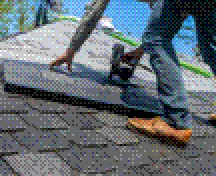 Before
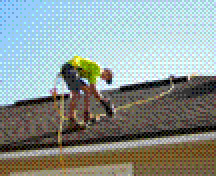 After
 Before
 After
One good roof photo shows a house number, so I left it out and used the next one.
Barry pairs before and afters from the week’s jobs, writes captions with your trade and town, and drafts replies to price questions.
Barry pairs shots of the same spot before and after, leaves out faces, plates and house numbers, and you approve the week.
Each caption says the work, the place and how long it took, in words locals search for, and waits for your changes.
Comments asking what it costs or if you come out are listed with a reply drafted that invites them to get in touch.
Send Barry a message like one of these and it sets up the work across Instagram and your other connected tools.
“Every Friday, pair before and after photos from this week’s jobs and draft next week’s Instagram posts for me to approve.”
“When a job is finished in CompanyCam, pick its best before and after and draft a caption with the trade and town.”
“Every evening, list comments asking about price or area and draft a reply to each for me to approve.”
“Every Sunday, look at next week’s jobs in Google Calendar and send three reel ideas with a short shot list for the foreman.”
Connect once, say what you need, and stay in control of anything that leaves your business.
Add your Instagram login on Barry’s Integrations page. Barry signs in, and can read and take action within what that login allows.
Describe the work the way you’d brief a new hire. Barry sets it up and tells you when it will run.
Drafts for customers, GCs and subs wait for your OK. The routine work gets done, and Barry tells you what it did.
Barry works across all your connected tools at once. See every integration