Progress notes by floor
Barry sets this week’s capture beside last week’s and notes what moved, with dated images, so your PM knows which site to visit.
Barry compares your OpenSpace captures to note progress by floor, draft possible issues and find gaps. It can read and take action in your connected software.

 OpenSpace

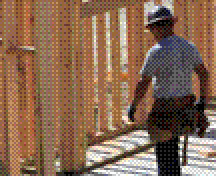 Framing
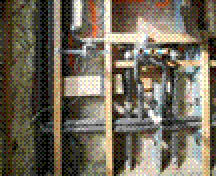 Piping in
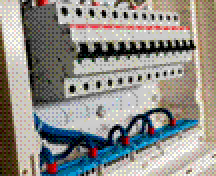 No cover
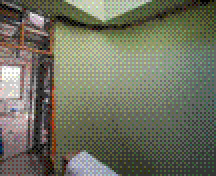 Board on
Room 210 is boarded, but I found no capture of its piping. I asked your superintendent to confirm the inspection.
Barry notes what changed on each floor between captures, drafts possible issues for the superintendent to confirm, and lists floors nobody’s walked.
Barry sets this week’s capture beside last week’s and notes what moved, with dated images, so your PM knows which site to visit.
When an image doesn’t look like the plan, Barry drafts a field note with the sheet and location for your superintendent to confirm.
Barry lists floors with no recent capture and the days since the last one, so someone walks them before the board covers the piping.
Send Barry a message like one of these and it sets up the work across OpenSpace and your other connected tools.
“Every Friday, compare this week’s OpenSpace captures of Maple Street with last week’s and draft notes by floor.”
“After a site walk, check the Level 2 capture against the plan and draft possible issues for the superintendent to confirm.”
“Every Monday, list OpenSpace floors with no capture in the last 10 days, so we can walk them before close-in.”
“When a sub’s progress invoice arrives in Outlook, put the captures of the floors it bills beside the percent claimed for me to check.”
Connect once, say what you need, and stay in control of anything that leaves your business.
Pick the OpenSpace sign-in you use on Barry’s Integrations page, then add your login. Barry can read and take action within what that login allows.
Describe the work the way you’d brief a new hire. Barry sets it up and tells you when it will run.
Drafts for customers, GCs and subs wait for your OK. The routine work gets done, and Barry tells you what it did.
Barry works across all your connected tools at once. See every integration